

Direct answer
At a glance
What Indian shoppers should check when a UPI payment is debited but an online order fails, including RBI timelines, automatic delay compensation and escalation routes.
- Article type
- how-to
- Last updated
- 16 July 2026 at 12:02 pm IST
- Sources listed
- 5
First, identify what actually failed
A debited account and a missing order can describe more than one situation. The UPI transaction may have failed, it may still be pending, or the payment may have reached the merchant while the shopping site failed to create the order. Those cases should not be treated as the same refund problem.
Open the payment app and the merchant's order history before trying to pay again. Record the UPI transaction reference, merchant name, amount, date, time and status. If the order appears a few minutes later, a second payment can create a duplicate charge.
Do not share your UPI PIN, OTP or screen-control access with anyone offering to process a refund. A legitimate refund does not require you to approve a collect request or reveal a PIN. If deception, coercion, stolen credentials or an unauthorised payment is involved, use the digital payment fraud and customer-liability guide instead of treating it as a routine failed payment.
Status table: what to do next
| What you see | Likely situation | First action | Escalate when |
|---|---|---|---|
| Failed in payment app, amount debited | Payment-system failure | Refresh transaction status and keep the reference number | Reversal does not arrive within the applicable RBI timeline |
| Pending in payment app | Transaction is still being resolved | Avoid immediate repeat payment; check status again | Status remains unresolved or app support advises a complaint |
| Successful payment, no merchant order | Merchant-side reconciliation issue may exist | Contact merchant with UPI reference and checkout evidence | Merchant cannot trace payment or refund |
| Order cancelled, refund initiated | Merchant refund is separate from a failed-payment reversal | Note refund ID and promised processing window | Merchant window passes or bank cannot trace the credit |
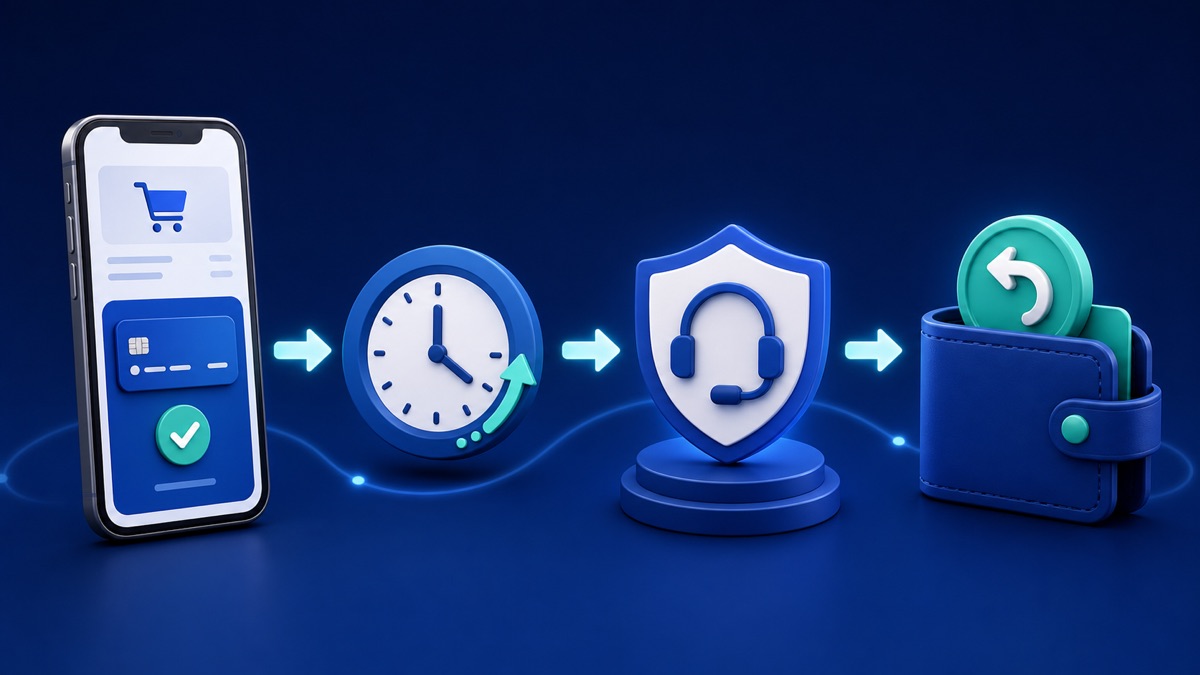
RBI's harmonised turnaround-time framework distinguishes a UPI fund transfer from a payment made to a merchant. For a transfer where the beneficiary is not credited, the framework states reversal by the beneficiary bank by T+1 day. For a merchant payment where the account is debited but confirmation is not received at the merchant, it provides auto-reversal within T+5 days and compensation of ₹100 per day for delay beyond that timeline. Here, T is the transaction date.
The RBI framework says these are outer limits for domestic transactions where both the sender and beneficiary are in India. It also says applicable compensation should be credited automatically, without waiting for the customer to make a claim. If the timeline has passed, ask the bank to identify both the reversal and any delay compensation separately.
These are payment-system failure timelines. A normal merchant refund after cancellation or return can follow the merchant's disclosed refund process and is not automatically the same as a T+5 failed-transaction reversal.
 CouponPe
What NPCI guidance says
NPCI's UPI FAQ says declined transactions provide for real-time reversal, while also noting that a failed debit can sometimes take longer and advising users to contact bank support if the refund is not received within an hour. The same FAQ says users can raise a grievance or check transaction status through a participating bank's UPI app.
NPCI also provides an official complaint-status page. It can route a complaint to the relevant member bank or institution and lets the customer follow it using the Complaint Reference Number. The member institution remains responsible for resolving the complaint, so save the CRN and continue checking with it.
The practical reading is: check the live status quickly, but use the formal RBI turnaround-time framework when judging whether a delayed reversal has crossed the regulatory timeline. App help text is useful for the first response; RBI's framework provides the structured outer timeline and compensation rule for specified failed transactions.
Evidence to save before contacting support
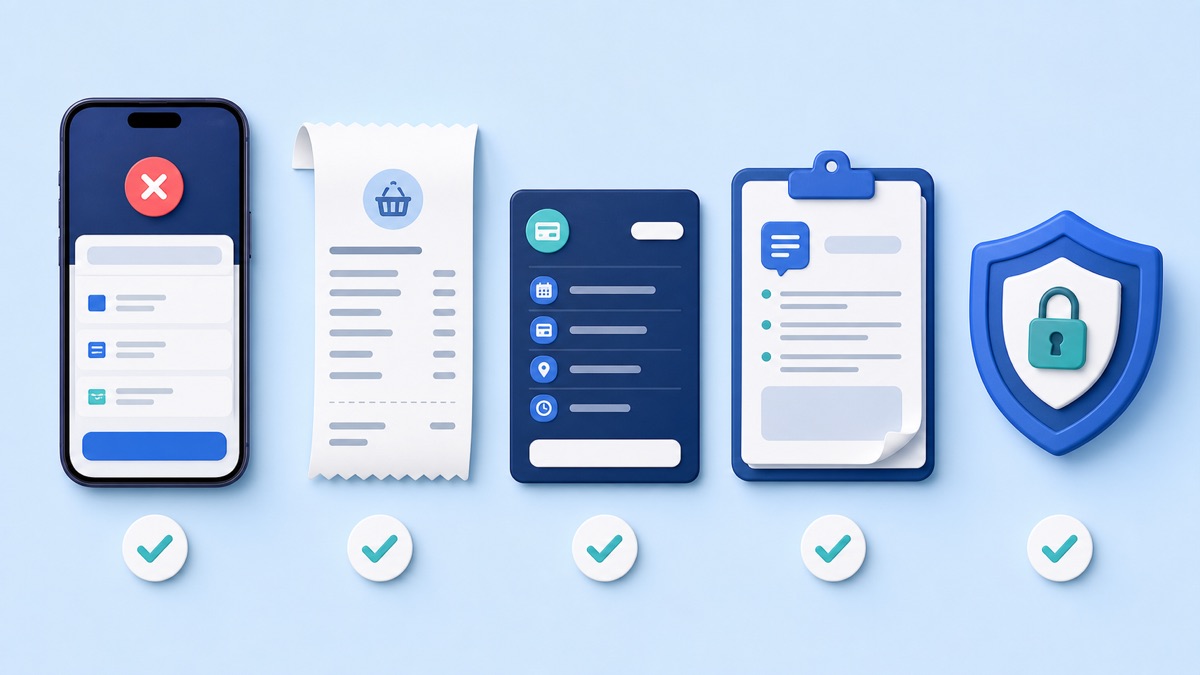
- UPI transaction ID or UTR/reference number.
- Screenshot showing status, amount, merchant and time.
- Merchant cart or checkout screenshot if the order was not generated.
- Order ID and cancellation confirmation if an order did exist.
- Refund reference supplied by the merchant.
- Bank, app or NPCI complaint reference number and any promised resolution date.
Keep the evidence focused. Never publish a screenshot containing your full bank account, phone number, address, QR code, UPI ID or other personal details.
A sensible escalation path
1. Check both systems
Look at the UPI app transaction history and the merchant order page. Use refresh or check-status tools where available. Do not rely only on an SMS because an alert can arrive before the final status settles.
2. Contact the right party
For a failed or pending UPI transaction, raise the issue through the payment app or bank using the transaction reference. If needed, use NPCI's complaint-status route and retain its CRN. For a successful payment with no order, also contact the merchant because it may need to reconcile the payment or initiate a refund.
If the purchase was on a major marketplace, use its official support route and keep the current coupon page only for offer discovery. For example, see Amazon coupons, Flipkart coupons, Myntra coupons or AJIO coupons. CouponPe cannot access a merchant's payment or refund system.
3. Escalate a banking complaint when necessary
First complain to the regulated entity, normally your bank or payment provider, and retain the complaint number. If it does not reply within 30 days, rejects the complaint wholly or partly, or you are not satisfied with its response, RBI's Integrated Ombudsman framework allows eligible complaints through the RBI Complaint Management System. Check the scheme conditions on the official portal before filing.
4. Use the consumer route for unresolved merchant issues
The National Consumer Helpline is a government pre-litigation grievance channel. Its official portal accepts consumer grievances and provides a docket number for tracking. The portal lists 1915 and 1800-11-4000 as helpline numbers and also supports web, app, WhatsApp and other channels. This is relevant when the dispute is with the merchant; it is not a shortcut for every transaction still within its normal processing period.
 CouponPe
When is a second payment safe?
Pay again only after confirming that the first transaction failed and that the merchant did not create an order. If the item is urgent and the first payment is pending, contact merchant support before repeating it. When a second purchase is unavoidable, use a new order and preserve both transaction references so any duplicate can be identified.
Final checklist
- Check payment status and merchant order history.
- Save the transaction reference and screenshots.
- Do not share a PIN or approve a refund collect request.
- Raise a bank/app complaint for a failed UPI debit.
- Contact the merchant when payment succeeded but no order exists.
- Track the relevant timeline; do not mix failed-payment reversal with a normal return refund.
- If T+1 or T+5 applies and has passed, ask about automatic delay compensation.
- Escalate with complaint numbers and evidence if the proper window passes.
A calm status check usually prevents the two most common mistakes: paying twice and chasing the wrong support team. For the next purchase, use the final-price checkout method and review the return, replacement, refund and warranty guide before choosing the remedy.
How this guide was prepared
CouponPe separates editorial explanation from merchant claims, records visible update dates, and lists the supplied sources below. Offer eligibility and final prices should always be confirmed on the merchant website or app.