

Direct answer
At a glance
A practical guide to recognising basket sneaking, false urgency, drip pricing, forced action and other dark patterns while shopping online in India.
- Article type
- how-to
- Last updated
- 21 July 2026 at 1:22 pm IST
- Sources listed
- 5
Pause when checkout changes the deal
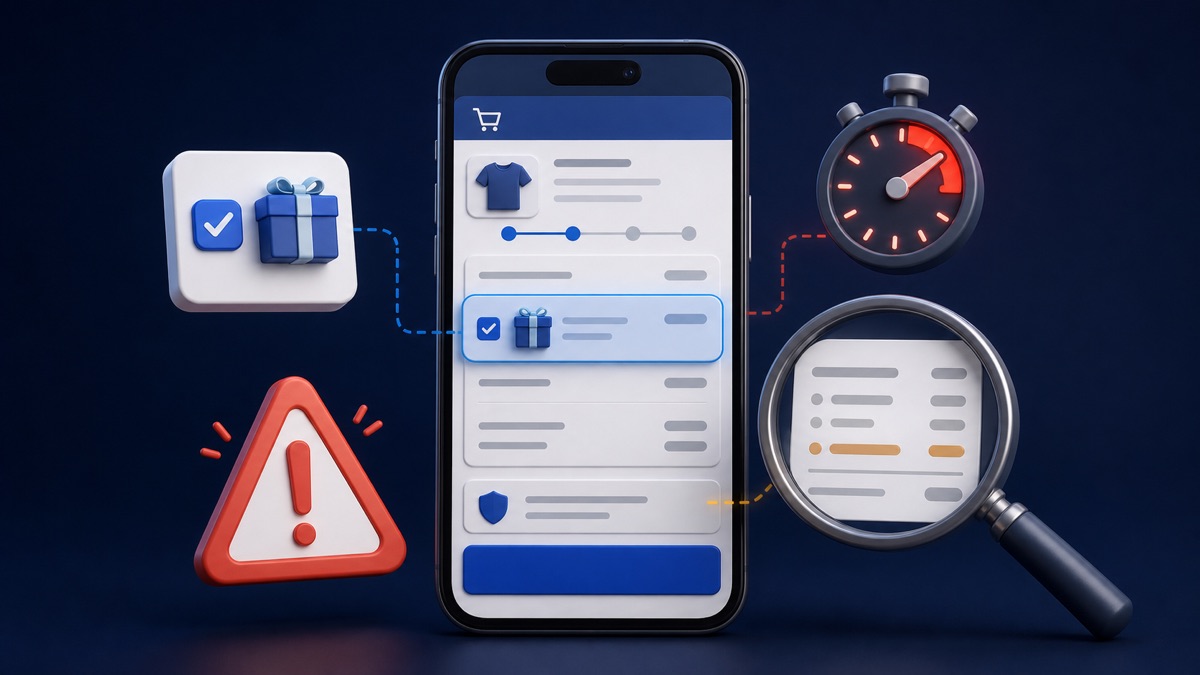
A dark pattern is not simply a busy website or a persuasive sale banner. It is a design practice that misleads or tricks a user into doing something they did not intend. India's Central Consumer Protection Authority (CCPA) guidelines identify 13 specified dark patterns, including false urgency, basket sneaking, confirm shaming, forced action, subscription traps, interface interference, bait and switch, drip pricing and disguised advertisements. A July 2026 CCPA order concerning SpiceJet's booking platform shows how the regulator applied those consent rules.
For a shopper, the most useful defence is a deliberate final review. Check what entered the basket, which boxes are selected, whether the total increased, what happens after a free trial and how easy it is to say no.
Treat every extra click, countdown and add-on as information to verify, not proof that you must act quickly.
Seven patterns you may meet during shopping
| What appears on screen | What may be happening | Your quick check |
|---|---|---|
| A timer or low-stock warning | False urgency | Refresh later or check another seller before assuming the claim is real |
| An add-on already in the basket | Basket sneaking | Review every line item and remove anything you did not choose |
| A refusal button that insults the user | Confirm shaming | Ignore the wording and judge the option on cost and need |
| A required app download or unrelated data request | Forced action | Ask whether the extra action is genuinely needed for the purchase |
| A low price that grows near payment | Drip pricing | Compare the complete payable amount, including mandatory charges |
| One product shown, another supplied at the advertised price | Bait and switch | Match the product, seller, variant and price before paying |
| An advertisement styled like normal content | Disguised advertisement | Look for an ad or sponsored label and verify the destination |
The guidelines apply to platforms systematically offering goods or services in India, advertisers and sellers. They do not mean that every timer, recommendation or optional service is automatically unlawful. Context matters. The concern is whether the design subverts or impairs consumer choice.
 CouponPe
Use a two-minute checkout reset
1. Open the basket from the beginning
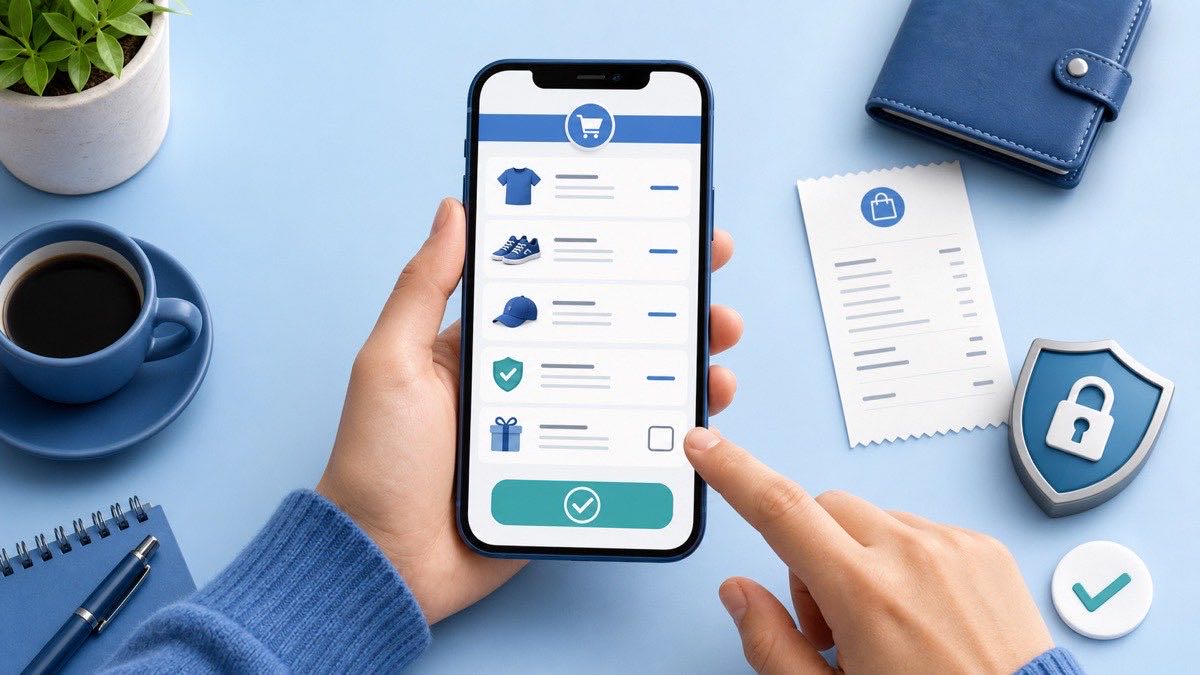
Do not rely on the small total beside the pay button. Open the full basket and confirm product, seller, size, colour, quantity, delivery charge, platform fee, donation, insurance and any membership. If an item or contribution appeared without a clear choice, remove it and capture the screen if necessary.
2. Compare the price you first saw with the final total
Write down or screenshot the price shown on the listing. At checkout, separate product price, tax, mandatory charges and optional add-ons. A charge disclosed only late in the journey can change whether the original offer is still worthwhile. The final-total method in CouponPe's sale, coupon and bank-offer guide is useful when several savings appear together.
3. Read both buttons, not only the bright one
A large coloured acceptance button and a faint refusal link can steer attention. Pause and read the exact consequence of each choice. If declining an add-on requires several screens, confirm that the basket remains unchanged after you exit.
4. Check consent and renewal separately
A purchase should not quietly become permission for unrelated marketing, a membership or a recurring payment. Look for preselected boxes, trial end dates, renewal price and the cancellation route. Save the terms that applied when you joined.
5. Leave the page if urgency replaces information
A genuine decision can survive a short verification. Check another seller, the official product page or the merchant's terms. If the store itself is unfamiliar, first use CouponPe's online-store verification checklist to confirm the domain, seller and payment route. For current marketplace offers, compare the conditions on Amazon coupons and Flipkart coupons. Fashion shoppers can similarly check Myntra coupons and AJIO coupons. The merchant checkout is still the final place to confirm eligibility.
What enforcement and self-audits tell a shopper
The CCPA issued the dark-pattern guidelines on 30 November 2023. In June 2025 it advised e-commerce platforms and online service providers to conduct self-audits within three months, identify deceptive practices and take corrective steps. By November 2025, the government said 26 platforms had submitted voluntary self-declarations after internal or third-party audits.
Those declarations are a compliance signal, not a guarantee about every screen, campaign or third-party seller flow. Interfaces can change, and a declaration does not prove what appeared in your individual checkout. Judge the transaction visible to you and keep evidence of any disputed charge or consent.
CCPA enforcement in 2026 makes the consent test more concrete. Its June orders concerning PhysicsWallah and McAfee described practices that affected informed consumer choice and directed the companies to discontinue them. Its July SpiceJet order said consent must be explicit, informed and freely given, and treated pre-ticked boxes, default settings and confusing negative wording as contrary to that standard. These are regulator findings about named cases, not a claim that every similar-looking interface will receive the same legal outcome.
 CouponPe
Preserve a before-and-after record
A useful complaint shows the choice presented, the action you took and the result. Use the CHOICE record:
- C - Cart before action: capture the basket and total before accepting or refusing an add-on.
- H - Highlighted and hidden options: record which button was prominent, which box was preselected and where refusal appeared.
- O - Outcome after the click: capture the next screen, revised total, consent state or subscription status.
- I - Identity and time: keep the exact web address, merchant or seller name, order ID and timestamp.
- C - Conditions: save the offer, renewal, cancellation and refund terms shown during the journey.
- E - Escalation trail: retain the merchant reply, grievance ticket, payment reference and consumer-helpline docket.
This sequence is more useful than one isolated screenshot because it records the interface before and after the disputed choice. Hide OTPs, full card numbers and other sensitive details before sharing evidence.
If you believe a checkout misled you
- Stop before making another payment or accepting another add-on.
- Save the CHOICE record, including the listing, basket, selected options, final total and confirmation.
- Contact the merchant through its official grievance route and describe the exact unwanted action or hidden charge.
- If the issue remains unresolved, use the government's National Consumer Helpline portal or its published channels. Keep the docket number.
- For a separate failed-payment problem, follow CouponPe's UPI debit and failed-order guide so that a payment reversal is not confused with a checkout-design complaint.
How this guide was checked
CouponPe rechecked the CCPA guidelines, self-audit update, 2026 enforcement releases and National Consumer Helpline route on 21 July 2026. The CHOICE record is CouponPe original analysis for organising evidence; it is not an official legal test. We did not run a test checkout, inspect a named platform's current interface, file a complaint or measure complaint outcomes. A regulator or consumer commission decides an individual case from its facts.
A calm decision rule
Ask one question before payment: would I still choose this item, add-on, membership or data permission if every option were presented with equal clarity? If the answer is no, step back and rebuild the cart. A short pause is usually cheaper than resolving an unwanted purchase later.
How this guide was prepared
CouponPe separates editorial explanation from merchant claims, records visible update dates, and lists the supplied sources below. Offer eligibility and final prices should always be confirmed on the merchant website or app.
Sources
- Department of Consumer Affairs: Guidelines for Prevention and Regulation of Dark Patterns, 2023Accessed
- PIB: 26 platforms submit dark-pattern self-audit declarationsAccessed
- PIB: CCPA action concerning PhysicsWallah and McAfeeAccessed
- PIB: CCPA SpiceJet dark-pattern order summaryAccessed
- National Consumer Helpline: Official portalAccessed